Invoice vs Bill vs Receipt: What's the Difference and Which One Proves Payment?
An invoice and bill are often one document seen from two sides. Learn how a receipt differs, what proves payment, and follow one order from PO to statement.
A simple invoice generator for iPhone and iPad. Create invoices and estimates, send them as PDFs and see at a glance who has paid.
Free to download. Premium is optional.

Quote the job, invoice it and send the receipt from one app.
Pick a professional template and add your logo, so every PDF looks like it came from your business.
When a client accepts an estimate, convert it into an invoice instead of typing the job out again.
Tap Share to send an invoice as a PDF by email, Messages or another app on your phone.
Mark an invoice paid and create its receipt. Anything unpaid or overdue stays easy to spot.
Tax and discounts are calculated for you, in the currency your client pays in.
Save a client once and their details are ready next time. Reports show what you've invoiced, collected and are still owed.
Screens from the app. It also runs on iPad and on Macs with Apple silicon.
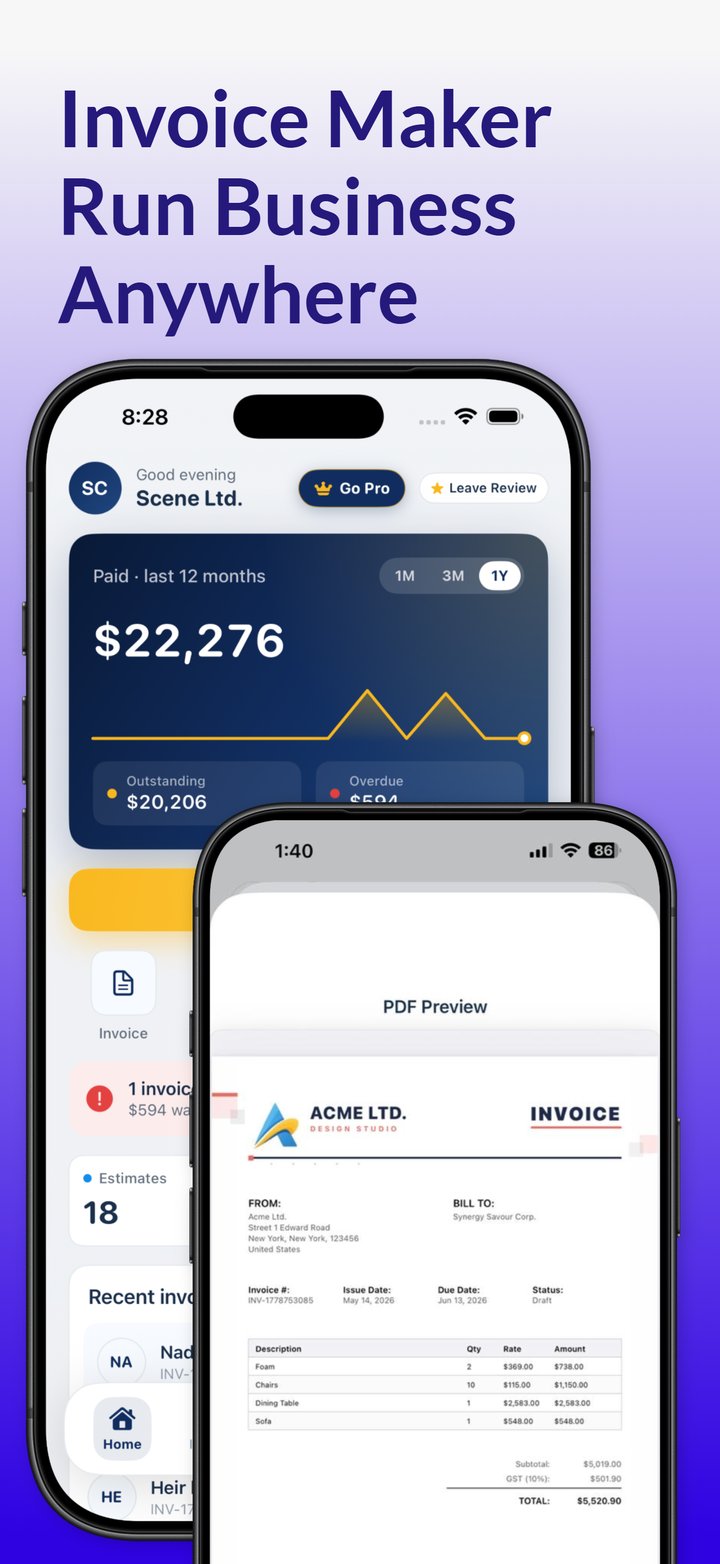
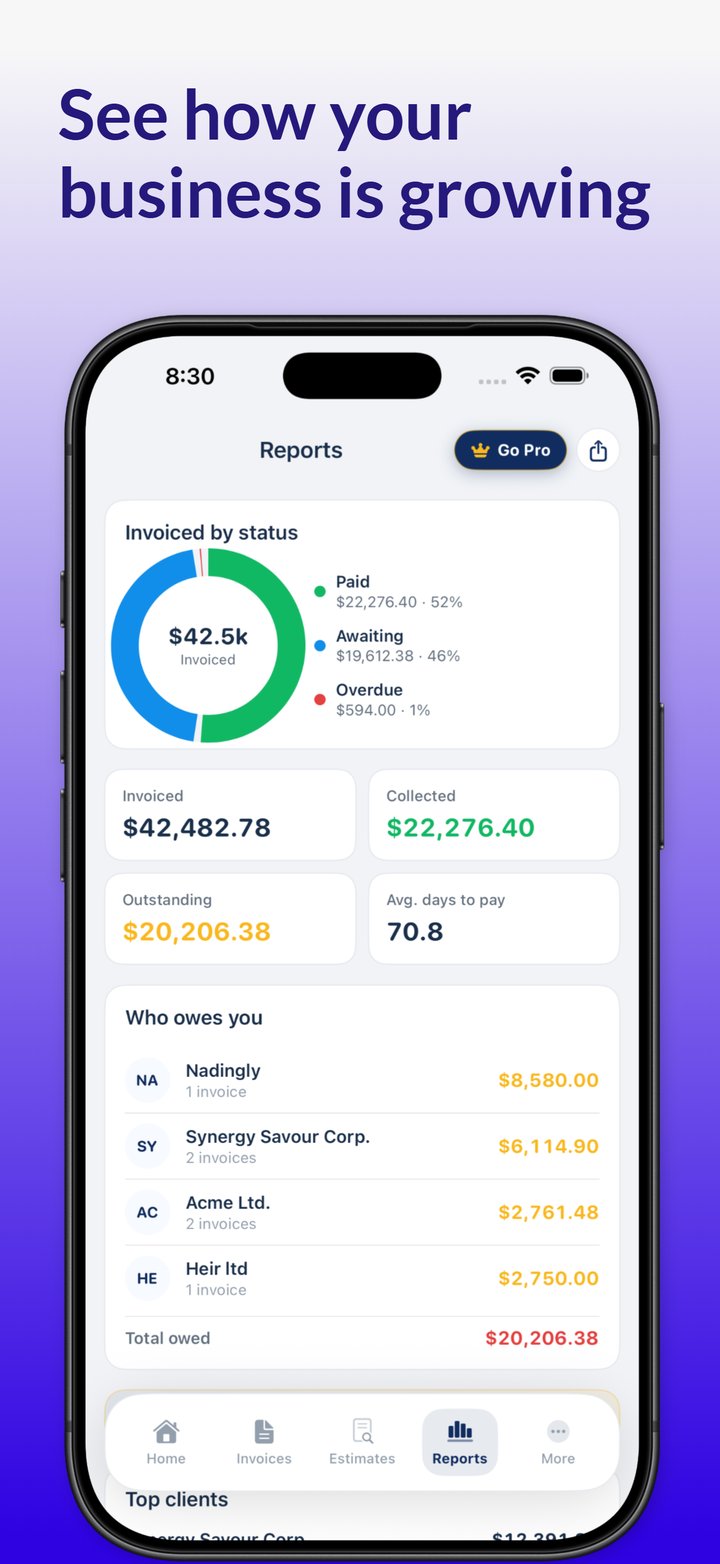
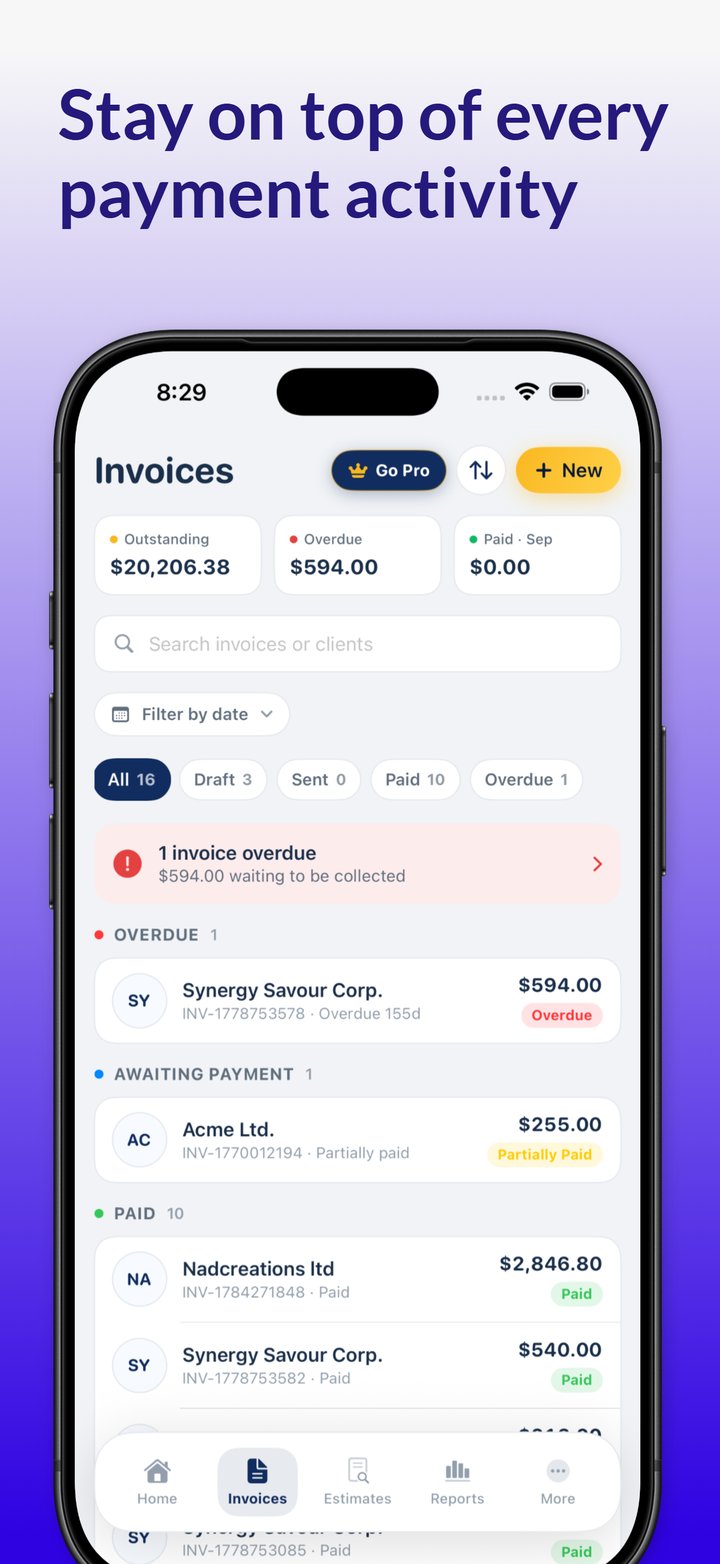
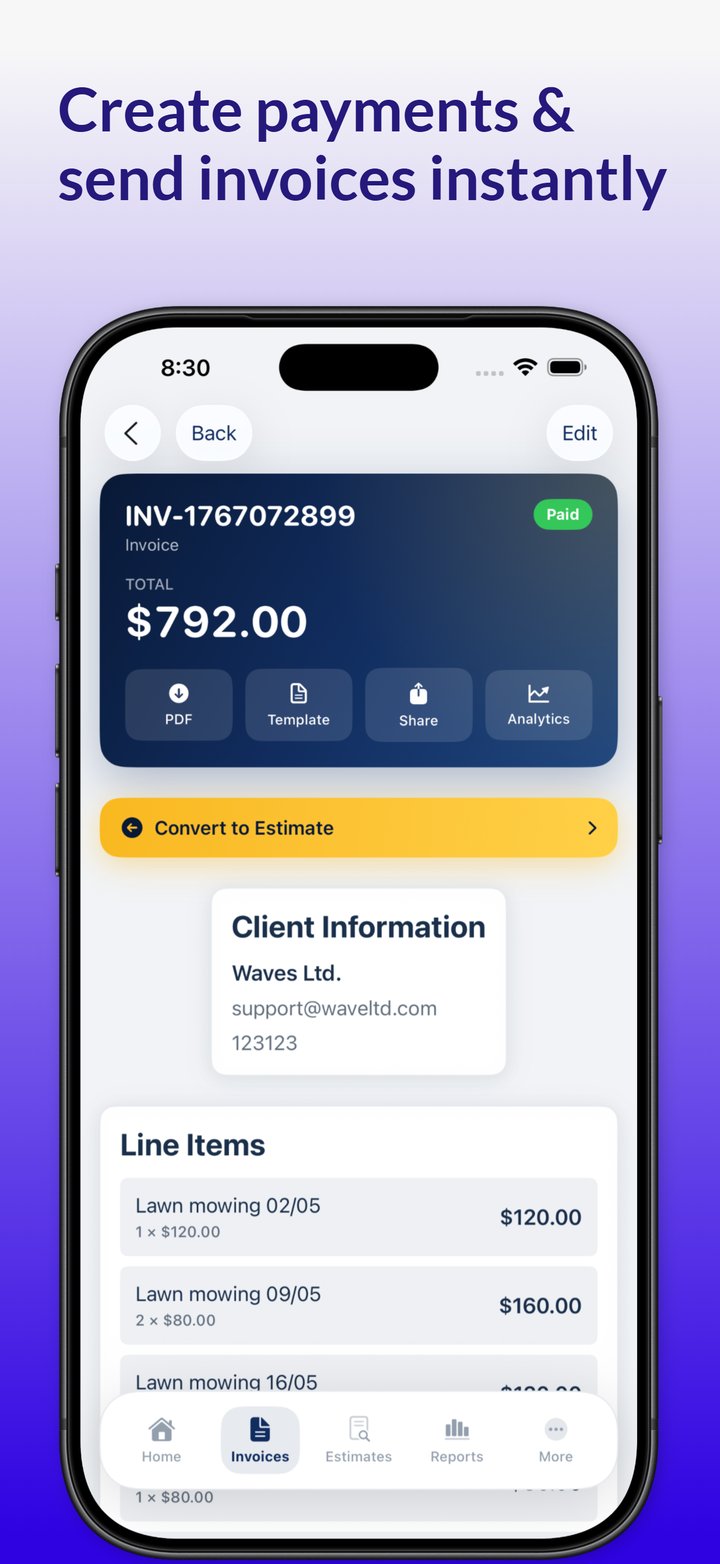
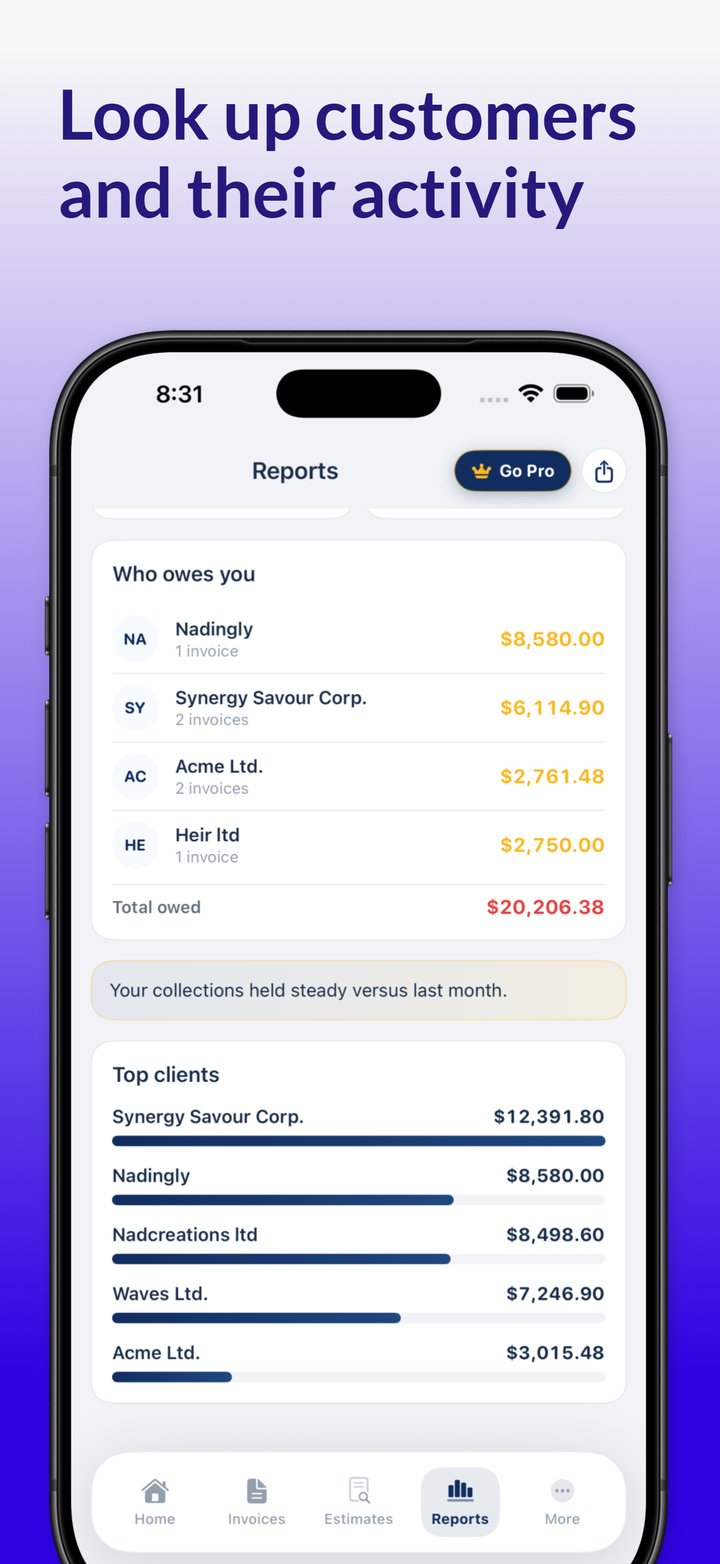
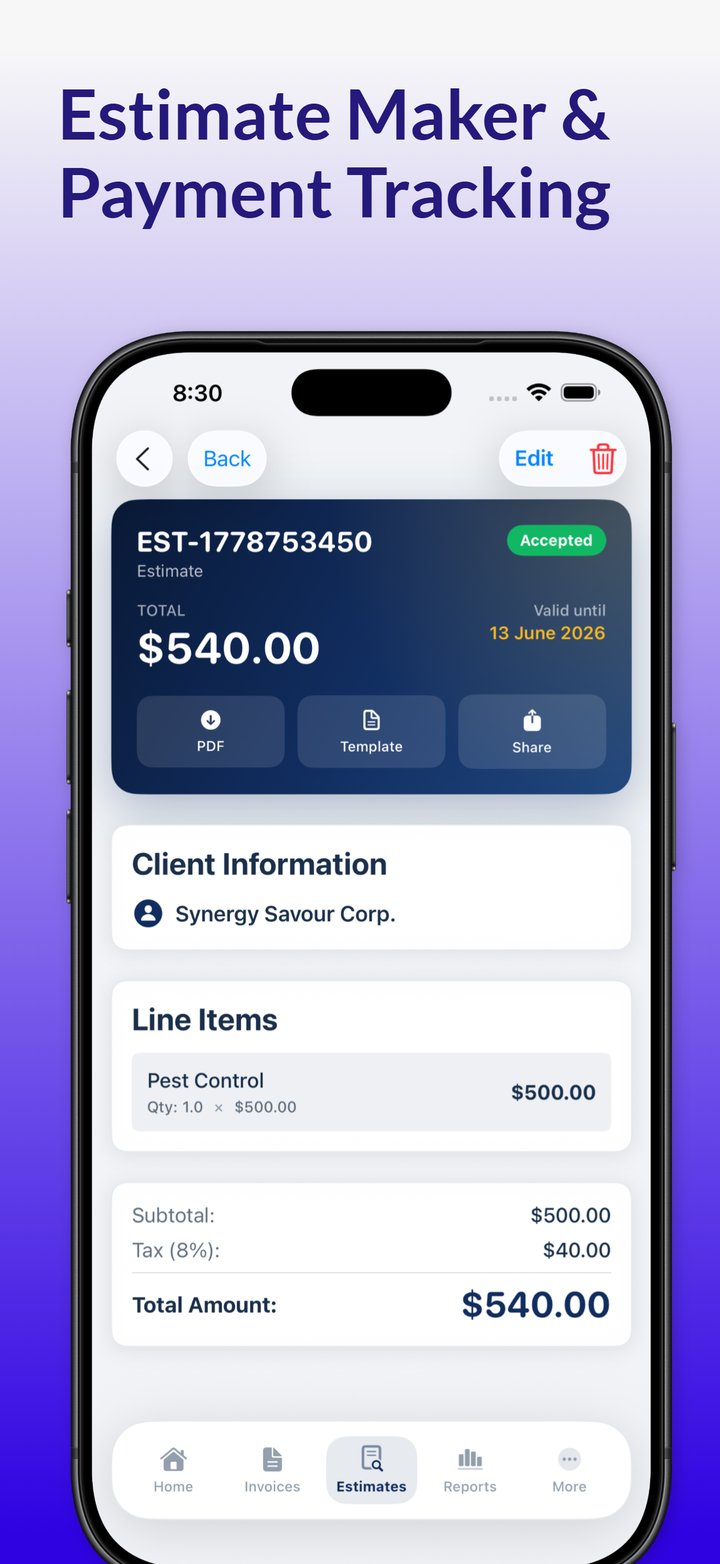
Quote, invoice and keep track of payments from your iPhone or iPad, wherever you work.
Turn an accepted estimate into an invoice, send it as a PDF by email or Messages, and see at a glance which clients have paid.
Write itemized estimates on site, even without a signal, then invoice with tax and discounts calculated for you.
Keep clients, invoices, receipts and expenses in one place, with paid, unpaid and overdue invoices easy to spot.
Practical answers to everyday invoicing questions.
An invoice and bill are often one document seen from two sides. Learn how a receipt differs, what proves payment, and follow one order from PO to statement.
How to set up a recurring bill for repeat clients: billing schedule, invoice numbering, proration math, saved-card rules and a sample monthly invoice.
How to write a deposit invoice: how much to ask for, wording that heads off disputes, deposit caps to check, and a 50% sample with the final invoice.
Answers to common questions about Invoicious.
Create, send and track professional invoices from your iPhone or iPad.

Free to download. No credit card needed to start.
Email us, read the invoicing guide or browse the templates.
Explore every professionally designed invoice template available in the app.
View templates